


General approach

People at the top of your organization are very busy, and their attention is expensive. It is not because they are not interested in the employees, but because they need to deal with hundreds of "fires" across the organization and plan the next strategic steps simultaneously. A lot is at stake. In other words, efficiency and directness are expected, and time-wasting is not an option.
Generally, we would not advise approaching C-level executives when you want to raise awareness of a problem without proposing how to solve it. Instead, we suggest coming up with a potential solution and then pitching your idea to the C-level to secure resources or approval for the execution.
However, in real life, there might be situations when you need to approach C-level executives to raise awareness of the problem, even without having a solution. It could be a potential critical threats to a company's health that other employees fail to realize or just don't notice.
Examples:
An extremely inefficient & expensive process that seems to be a norm for everyone.
The negative effect of someone in the hierarchy with an influence on the company's culture.
In such cases, even if you don't have a solution it would be smart (good for the company & your career) to raise awareness among the top decision-makers to leverage their influence & initiate a problem-solving process.
Step-by-step guide

Validate the problem
We humans are subjective and tend to overreact. This is for a reason. Objective and unalert animals won't survive long.
"If the wind rustles the grass and you misinterpret it as a lion, no harm is done. But if you fail to detect an actual lion, you are taken out of the gene pool."
Sometimes this system misfires & we identify false problems. This is why before anything else we advise you to sit down and understand if it is a problem in the first place. Look at the numbers, talk with people who might be affected, and collect evidence. This way you will identify 3 things: problem existence, severity & occurrence. If a problem exists, it is damaging to the company in some way & it happens more than once - go for it. In another case, this is not a problem, or not a problem yet.
Describe the problem
Keep in mind that executives work at a different pace and levels of responsibility, so you need to be efficient and direct. Describe the problem in a very clear way, so other people will also see the problem there. Condense everything you have found in the 1st step. Then, get to a point, by identifying the core of the problem. A good way to do so is the 5 whys technique. Work on the problem description until it is short & clear.
Add necessary context
Describe what part of the business is affected, in what way, and how this affects customers or employees. Mention how frequently this problem occurs.
Once a year or every day - it is a big difference.
Finally, support your case with key metrics. This will serve as “hard evidence” and will help people quickly understand the situation.
Explain negative consequences
Describe what most likely might happen if actions are not taken and the problem is not solved. Almost everything works according to the compounding effect law, or in other words, turns from a tiny small ball into an avalanche.
Small problems may seriously damage the business if not fixed timely. By explaining potential negative consequences you bring in additional factors that could help make the decision.
Set objective & clear CTA
A lot of discussions end with a cliff. No action follows. Why? Because there is no clear call to action.
What do you want to achieve by bringing this information to C-level executives?
What is the end goal of the meeting?
Answering these questions is critical, as this will help to outline "what is needed from the audience" & will set things into motion.
This also will show you as a professional, who values the time of other people. To resonate with C-level executives align your message with strategic goals, potential earnings or losses, and company values.
Even if you don’t have a solution, try suggesting initial steps that can guide the organization toward solving the problem.
Wrap it into a structure
Take the outcomes of previous steps & outline the clear structure. Providing structure to your discussion will help C-level executives quickly wrap their heads around the key points of the upcoming discussion.
Keep in mind, that you should always start with what’s important to your audience, in this case C-level executives.
Identify the right channel to deliver your message
Identifying the right channel for the delivery of your message is crucial. The channel over which your message is delivered will define the level of its importance, needed attention & urgency of the topic.
Message delivered over Slack radiates much less significance than in-person discussion. Pick your channel right.
Keep in mind!

C-level exectuvies are humans too
Despite their aura, C-level executives are also human. They experience worries, anxieties, and similar struggles and embarrassments to everyone else.
They are not divine beings; they are simply people. They do laundry and groceries, visit the doctor, have dreams, and struggle to achieve ambitious goals over the years.
They also have hobbies that they start but then forget about. They have guilty pleasures and bad habits, experience stress, and find happiness in simple things. They are just like everyone else.
Knowing this will make it much easier to communicate with them. Like a human to a human. Of course, there are nuances, and this whole page is dedicated to them, but most importantly it is just a conversation.
Just be yourself!
Message example

Hey!
It is John Dow from the product team. I've identified a problem that could hurt our company, and it's worth your attention.
Problem:
User churn has risen by 20% over the past 12 months, resulting in $2 million in lost potential revenue from new customers.
Context:
We were unable to deliver new innovative features and improve the current product because we couldn’t hire the necessary talent due to budget constraints.
The product team’s budget is $1.6M per year, and it has been limited by an uncontrolled and inefficient tool purchasing process.
Over the past four years, $4.8M has been spent on product tools, which is a significant portion of our total $6.4M budget. There are far more cost-effective alternatives available.
Supporting data:
- User churn graph
- Hiring pipeline performance for the past 12 months
- Monthly spending on tools over the last 48 months
Negative consequences:
While I don’t have a specific solution at this moment, if no action is taken, churn is projected to increase to 60% by the end of next year, leading to an 80% loss in revenue from new users, who currently account for 70% of our total revenue.
Expected outcome:
I’m bringing this problem to your attention because I believe you can help resolve it quickly and prevent a potential crisis.
I think that if we can influence product leaders in our company to optimize current spending, we will be able to acquire needed talent & build out the product to address churn.













What is Deckster?
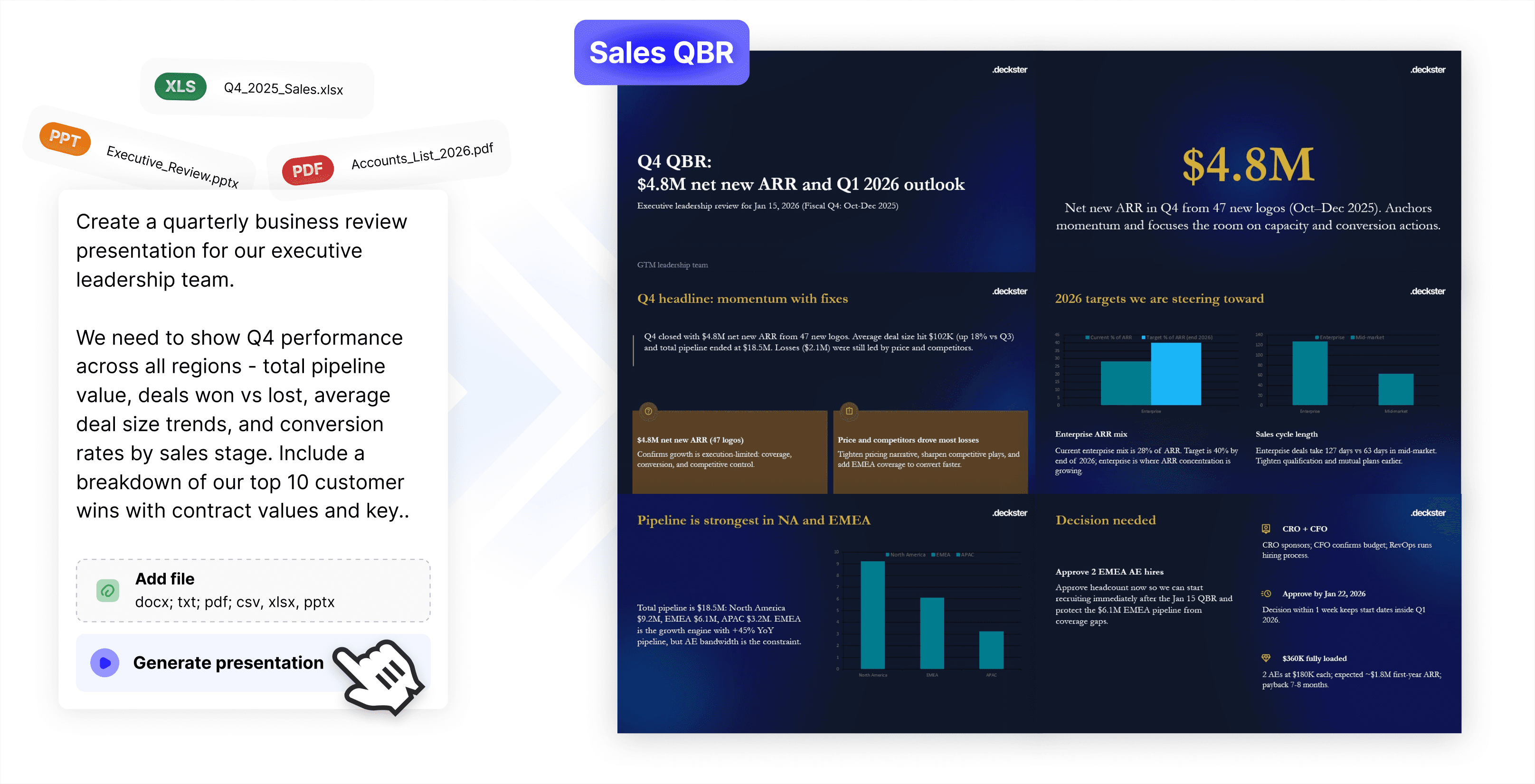
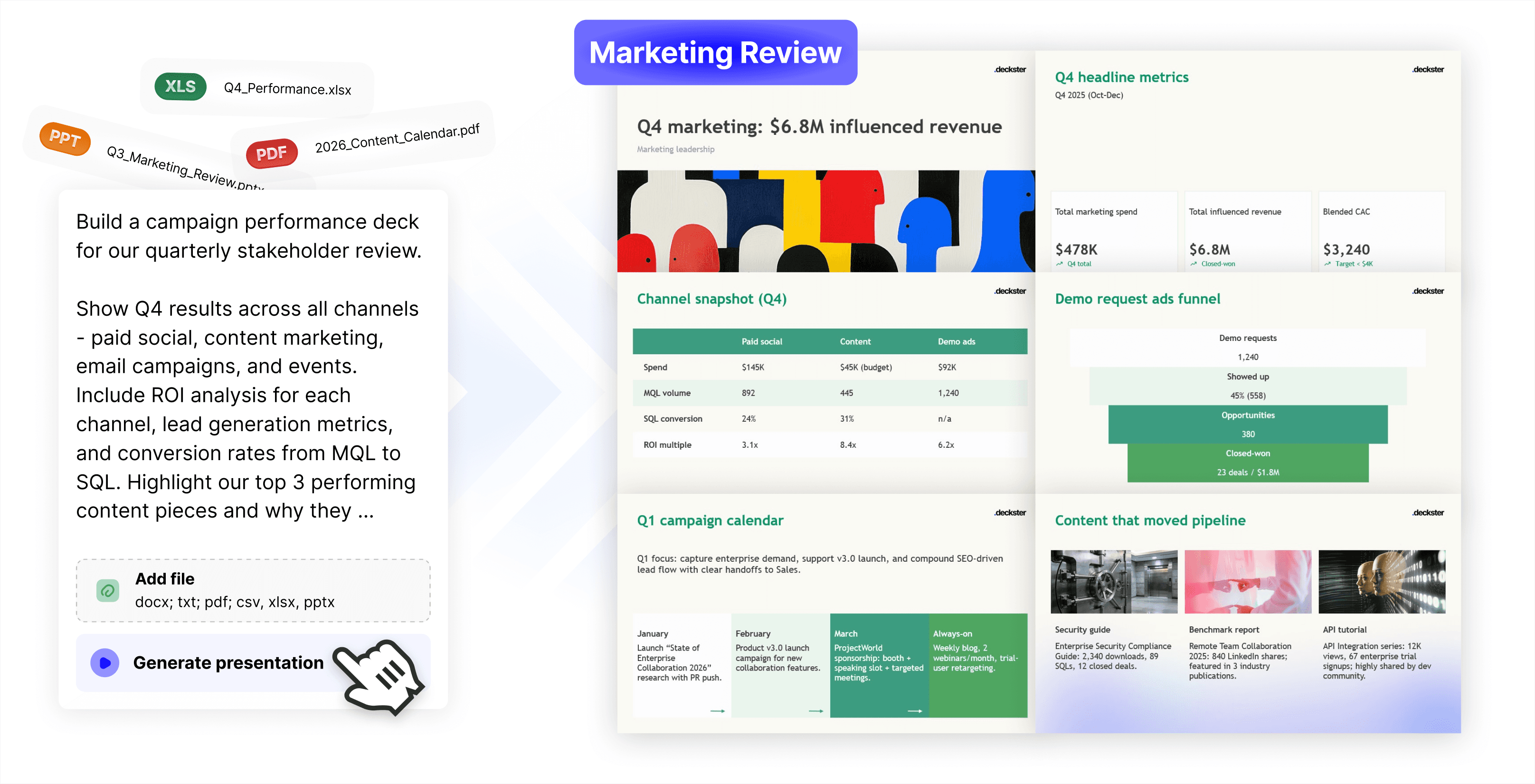
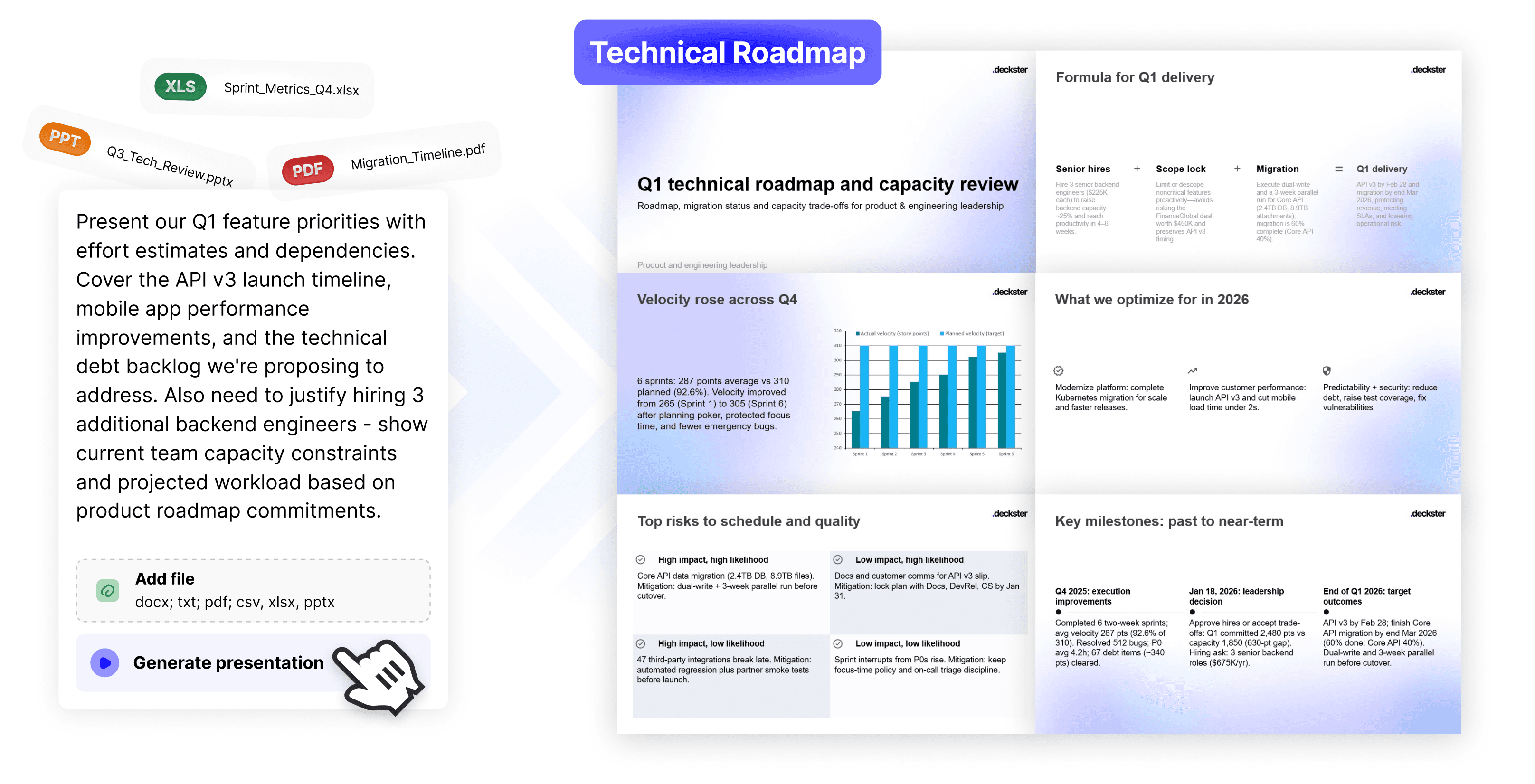
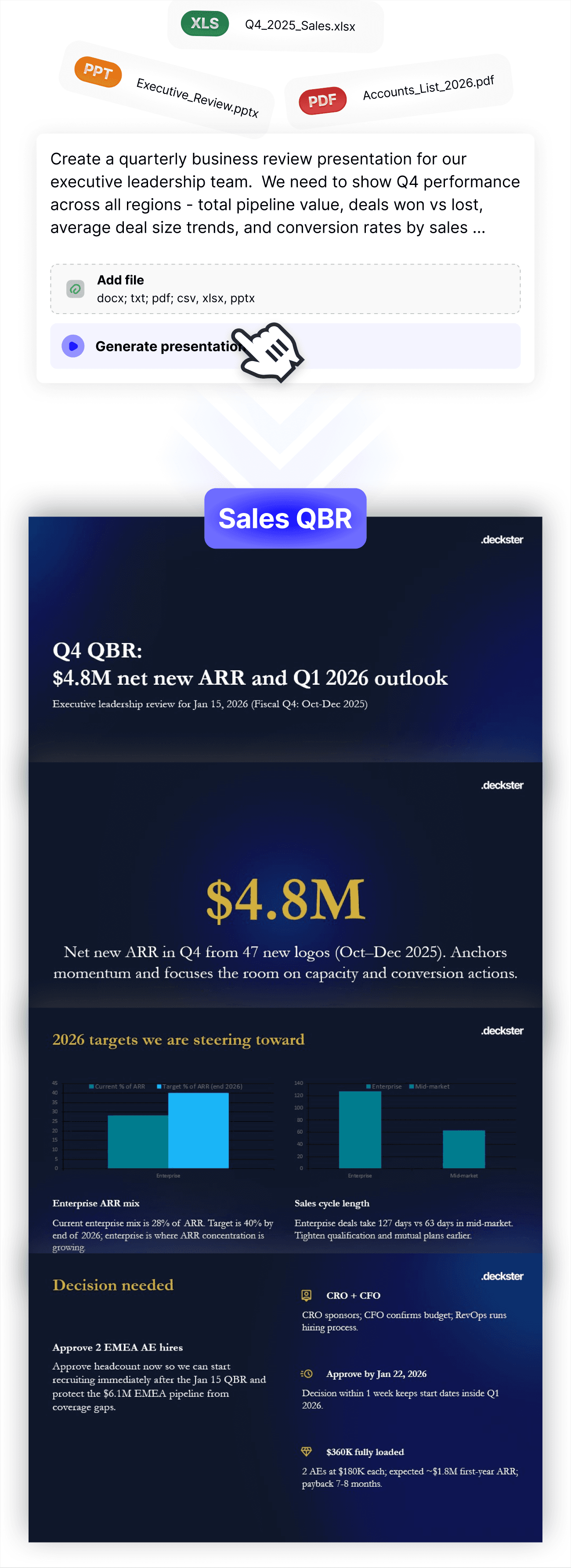
Deckster compresses the entire presentation workflow into fast iterations. Draft the narrative, test different structures, and refine the argument in minutes - without fighting layouts. See each version instantly as real slides, so the feedback loop is immediate. When it clicks, export a fully editable PowerPoint or Google Slides file and finish with full control.
How do I use Deckster?
Just tell Deckster what you're working on - paste notes, upload documents, or describe your idea. Deckster analyzes your input, detects the audience and presentation type automatically, and asks clarifying questions to fill in any blanks. Within 5-10 minutes, you get a structured draft with auto-generated charts and analysis. Then refine: regenerate slides, adjust structure, swap visuals, edit content. Export to PowerPoint or Google Slides when you're ready for final touches.
What makes Deckster different from other AI presentation tools?
Deckster is the only tool that works with native PPTX/Google Slides specifications, resulting in perfect, consistent, and fully editable exports (yes, even charts)! Other than that, most tools let you edit every component, creating endless design choices that slow you down. Deckster uses a design system approach - layouts are locked, but you can edit what actually gives your presentation character: text, images, icons, charts. This creates speed through constraint, embedded persuasion logic in every component, and 10x faster iteration. Other tools optimize for visual flexibility. We optimize for clear thinking and a real business environment, where your presentation opens perfectly every time - no corrupted files, no compatibility errors. No broken layouts. No charts that are images. No watermarks. Just a clean, fully editable file you own.
Can I try it for free?
Yes. Create presentations with full access to the AI engine, slide library, chart generation, analysis, and export. You have 3 free presentations to try Deckster out, no constraints, no predatory billing, just you to decide.
Is Deckster compatible with PowerPoint and Google Slides?
Deckster not only exports to PowerPoint and Google Slides - it exports perfect, fully editable native files. We use a proprietary engine that works directly with PPTX and Google Slides specifications, producing files that look and behave exactly as if they were created inside PowerPoint or Google Slides. And yes - the charts aren’t images. They’re real, fully editable charts.
What if I don't like the slides Deckster generates?
While Deckster is great for drafting “one-shot” presentations, it’s built for iteration. You can refine the structure, adjust the format, change slide count or style, emphasize or remove topics, and continuously improve the narrative. Regenerate individual slides with specific instructions (“make this more data-driven” or “focus on ROI”), restructure the entire deck (“add an implementation timeline”), or swap layouts in seconds. Deckster is designed for iteration - the first draft is the starting point, not the endpoint.
Does Deckster work for technical presentations with data and charts?
Yes. Upload data files (CSV, Excel) or provide data in your prompt. Deckster auto-generates charts and performs analysis on the data. Charts are fully editable - adjust data, labels, chart types, styling. For complex technical diagrams or custom illustrations, you'll create those separately, but Deckster handles all standard business charts and data visualization.
Who uses Deckster?
Deckster is built for business presentations where clear thinking and strong structure matter. It’s designed primarily for boutique consultancies, corporate strategy teams, and operators who need to turn messy inputs into persuasive, decision-ready decks. If your work involves shaping arguments, aligning stakeholders, or making complex ideas easy to act on - Deckster fits naturally.
Can Deckster enhance existing PowerPoint decks?
Not directly. Deckster isn’t built for polishing or editing existing PowerPoint files. Instead, you can upload your current deck as input and ask Deckster to rebuild it from scratch - with a fresh structure and a different visual style.
What should I know before using Deckster?
Deckster is not a design tool. It’s a presentation drafter built for content, structure, and persuasive flow - not pixel-level layout work. You can make light styling adjustments, but you can’t freely move elements around a canvas like in PowerPoint or Figma. Deckster is designed for iteration: you start with a strong 80–90% draft, then refine slide-by-slide with AI - adjusting emphasis, structure, and messaging as you go. If you value clear thinking over manual design, and your workflow benefits from fast iteration, Deckster will fit naturally.