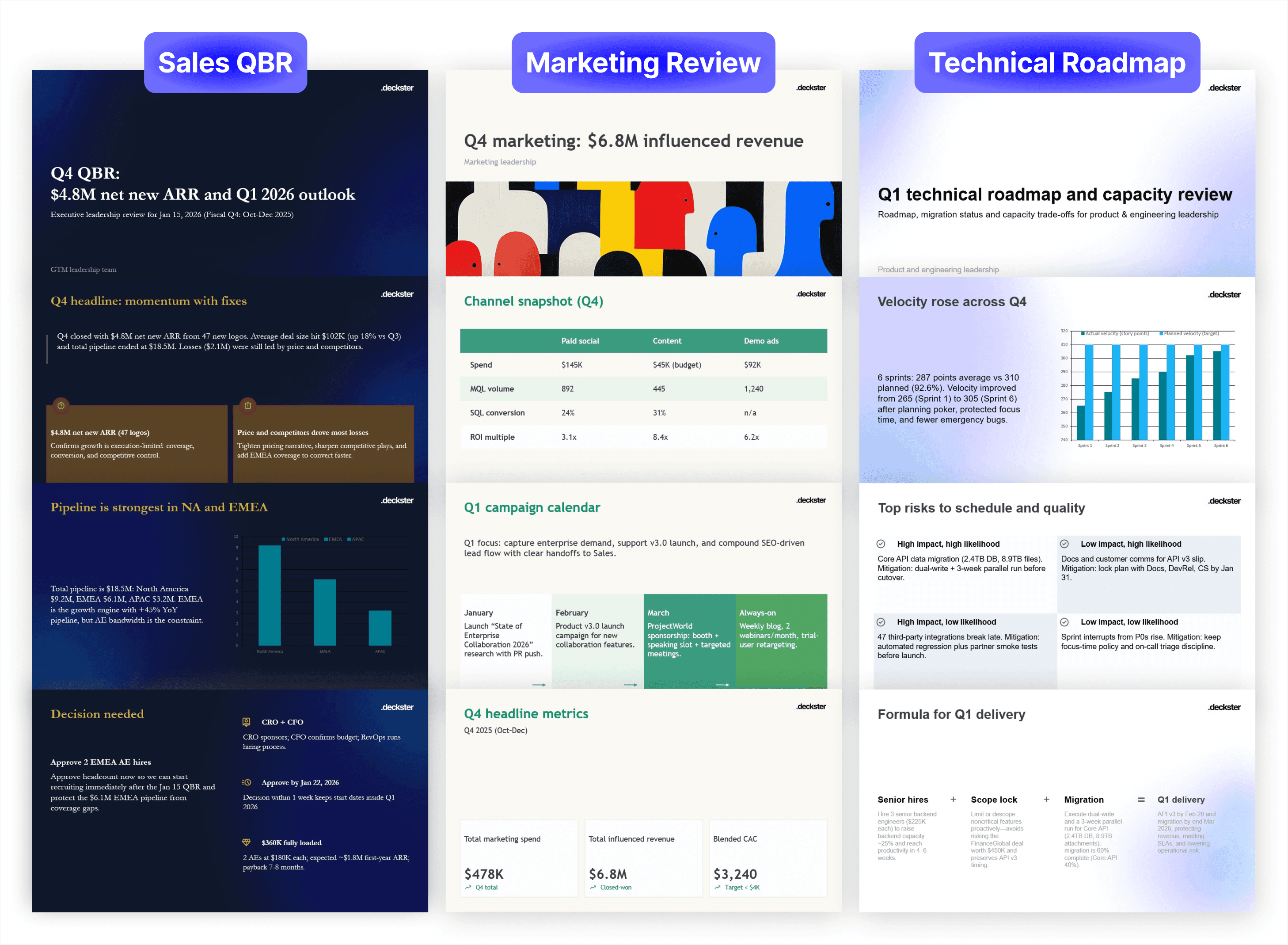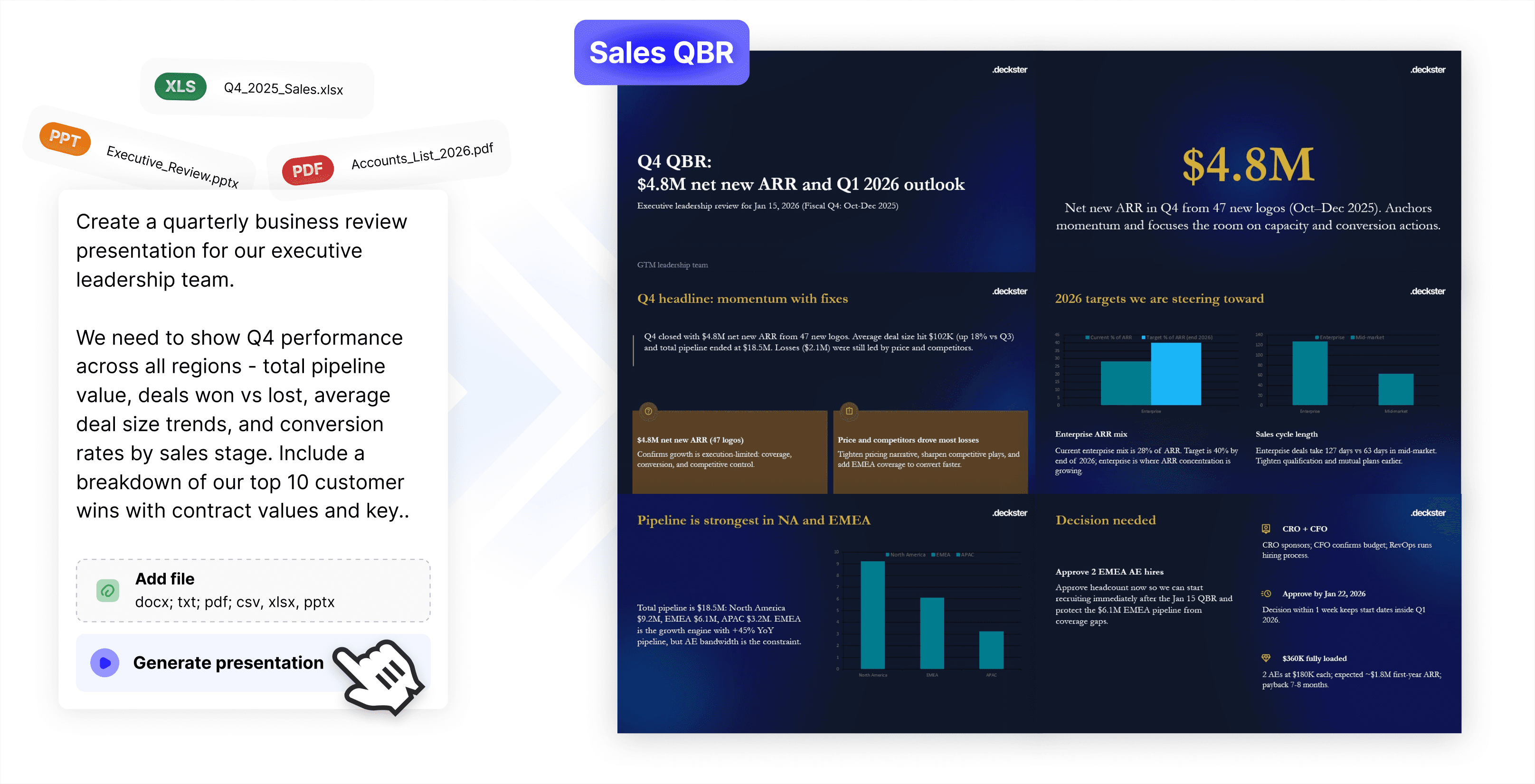
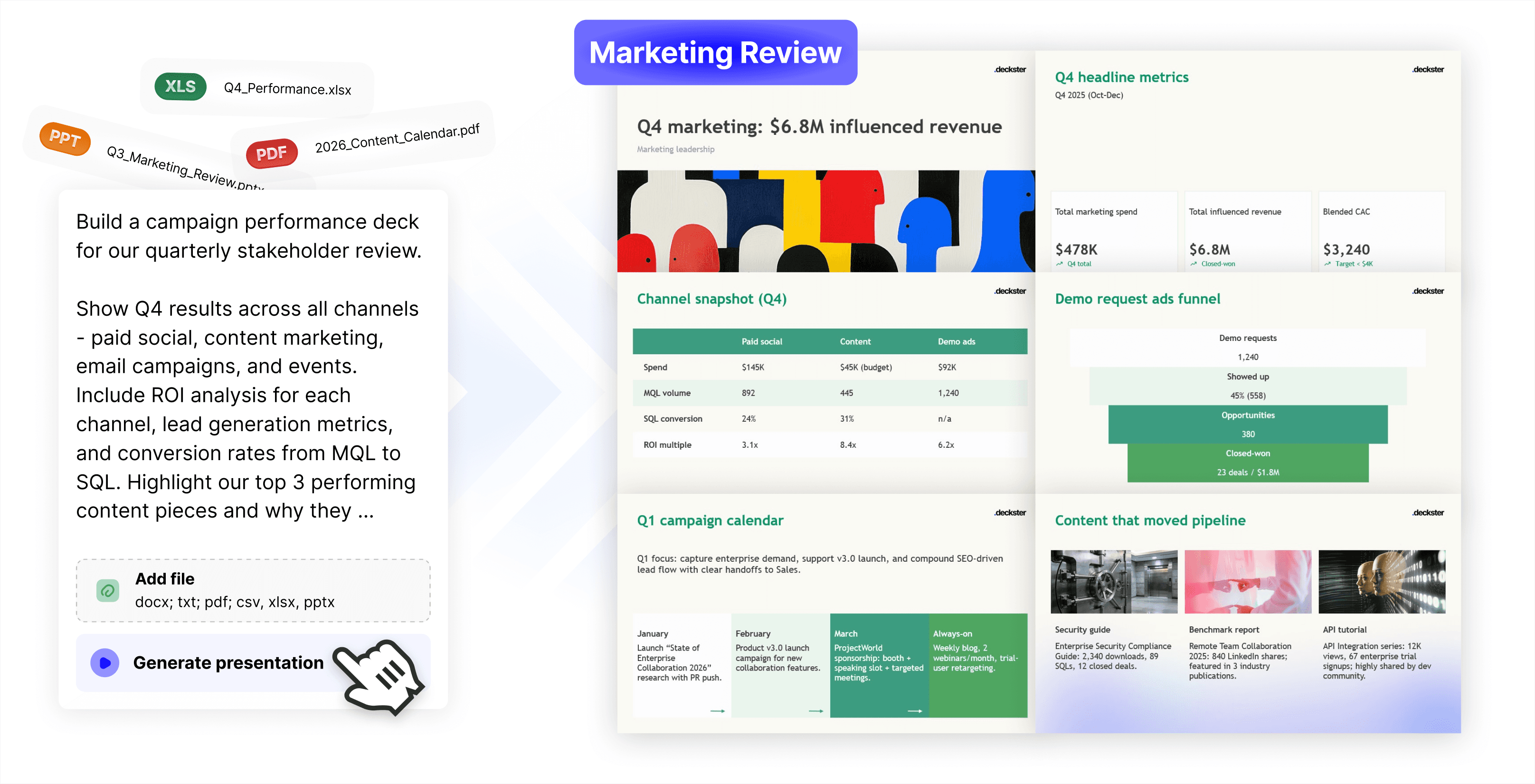
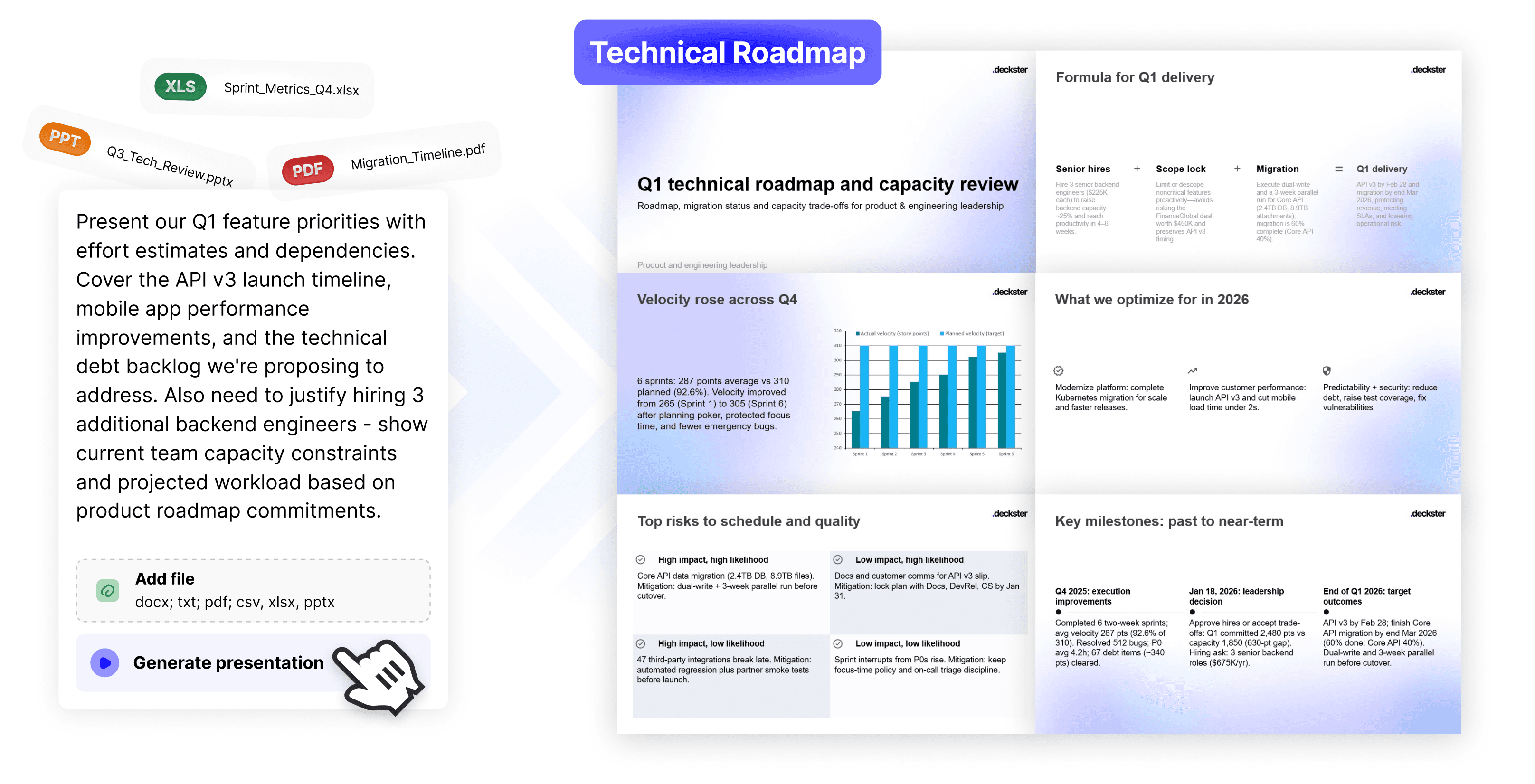










→ Step 1
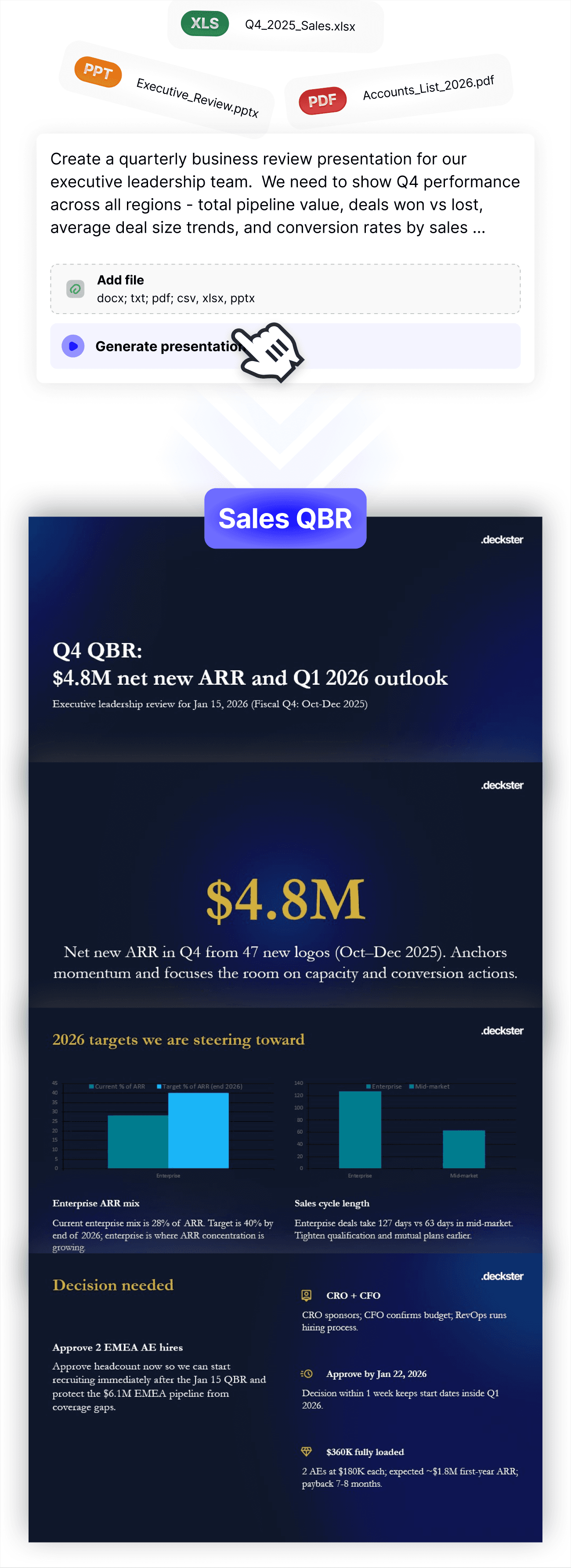
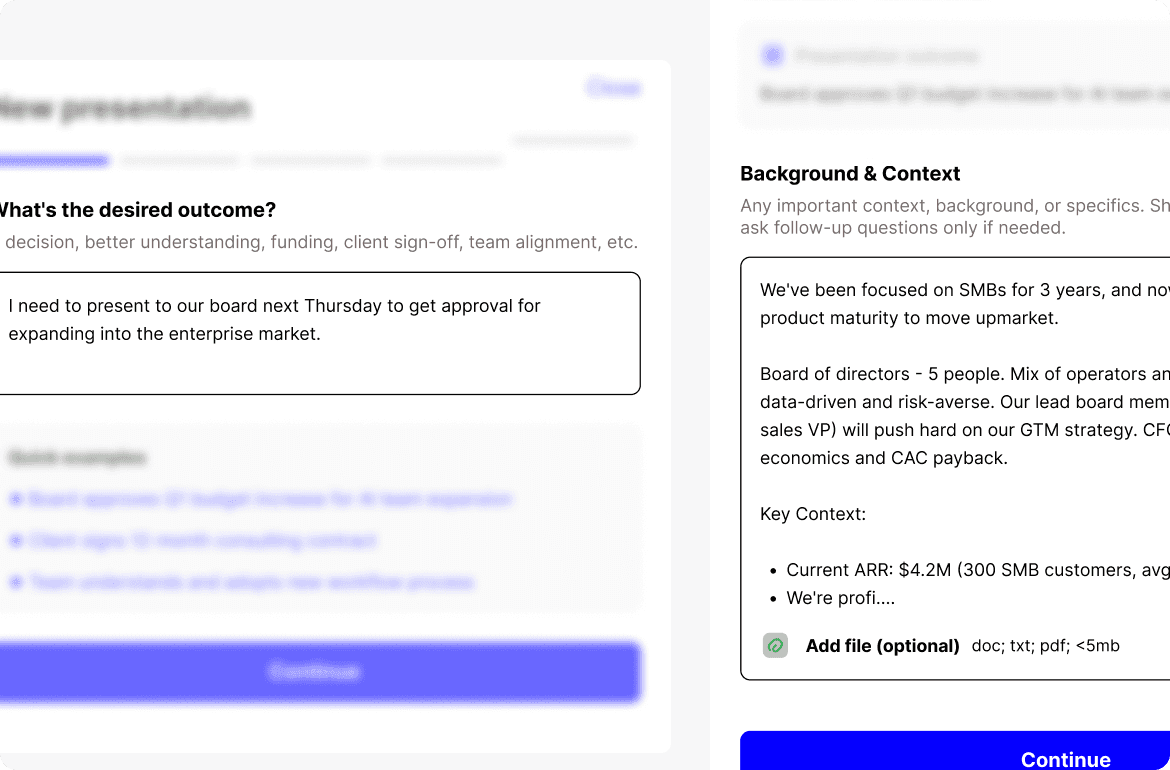
Tell Deckster what you're working on - your goal, who you're presenting to, any key details. Upload files if you have them.
→ Step 2
Deckster figures out the right structure and persuasion frameworks for your specific situation. You get an initial draft - narrative sequenced for impact, charts reinforcing your point, visuals supporting your message.
With charts auto-generated from your files (XLSX, CSV) or web, designed to strengthen your argument, not just display information.
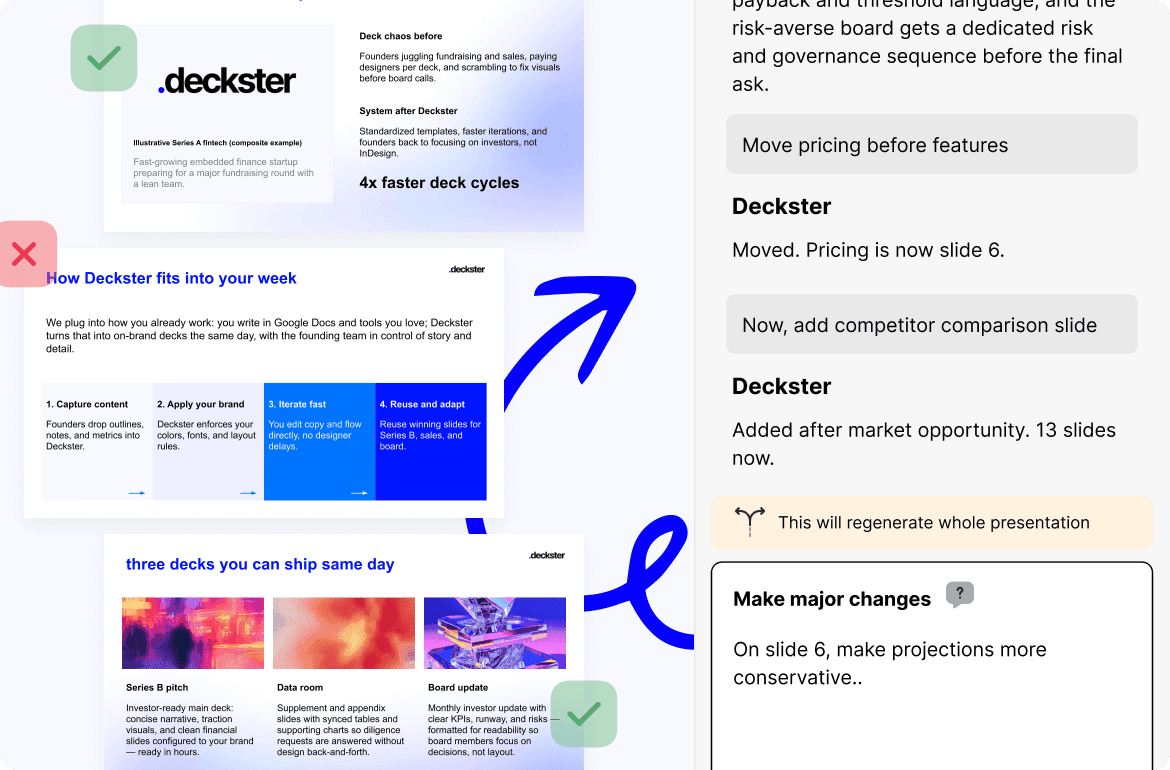
→ Step 3
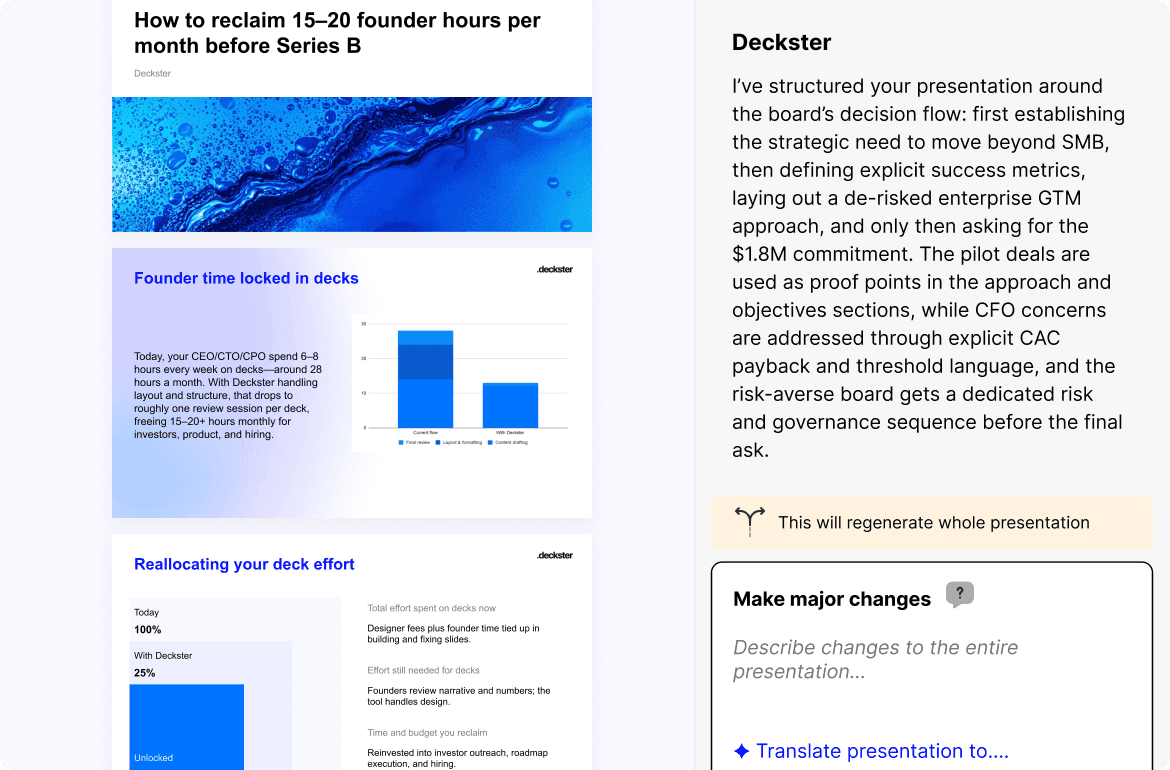
Collaborate with AI to perfect
Transform your deck in minutes while preserving what works: board update → investor pitch. Sales deck → training module. 15 slides → 8 slides.
Full control, zero fear:
Version history: every iteration saved, revert anytime
Slide locks: protect specific slides from AI changes
AI edit modes: change structure or refine single slides
Manual control: adjust text, swap images & icons
↓
Step 4
PowerPoint. Google Slides. Your choice. The file is real and fully editable. Charts are charts, not images. Text is text. Nothing locked, no watermarks.


Constraint as speed
Professionally designed slides with fixed layouts and flexible content. Edit colors, fonts, images, icons, charts. Choose slide variations (3-step, 4-step flows, etc.). No formatting decisions, no broken designs, consistency guaranteed.
Intelligence built in
Mental models, behavioral science, communication principles, and presentation design heuristics embedded at every step. Your thinking accelerates. Arguments follow proven patterns automatically.
AI iteration